Calibration service, support and training
At Renishaw we pride ourselves on the support we offer our customers through training, service, repair, and recalibration options
Equipment registration
For Renishaw to provide you with the most effective and efficient after-sales service and support we ask that you take a few moments to register your equipment with us.
Browse our library of guides, support documents and helpful training videos so you can get the most out of your ballbar and laser calibration products.
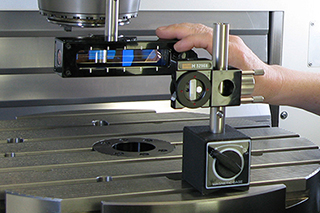
Quality and conformance
Browse our library of product quality documentation, calibration and conformity certificates so you can be sure you're getting Renishaw quality products.
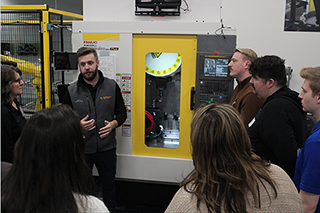
Calibration training
Find out more about the training courses we offer, and watch our training videos so you can use your Renishaw products with confidence and ease.
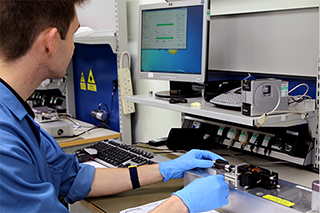
Service and repair
Find out more about the range of repair and recalibration options available to you that will ensure the ongoing performance of your system.
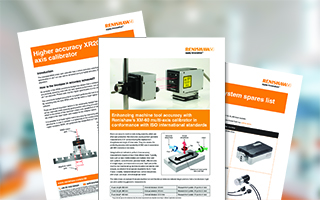
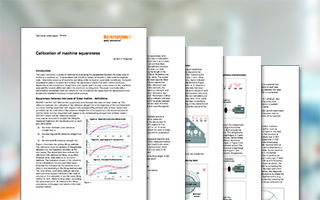

Application notes
Browse our selection of application notes for Renishaw's laser measurement and ballbar products.
White papers
Browse our library of white papers for laser calibration, laser diagonal testing, and ballbar testing.
User guides
Download our guides, manuals and support documents for our laser measurement systems and ballbar calibration products.
Product support videos
Watch our series of calibration support videos for Renishaw's laser interferometer and alignment systems.
CAD models
Browse our complete library of CAD models for our machine calibration and optimisation products.
Software downloads
Access the latest version of CARTO, our calibration software packages and release notes.
FAQs
Access the answers to the most frequently asked questions related to Renishaw's calibration and optimisation products.
If you can't find the information you need from our FAQs or published documentation, get in touch with our global support team.
FAQs

Contact our sales team today
Get in contact with your local office to find out more information and speak to an expert.