Machine calibration and optimisation
Our range of machine calibration and optimisation products is designed to improve the performance of precision motion systems. Take your first step forward in process improvement to increase machine up-time and maintain quality.
Unlock unrivalled precision and accuracy
Meeting stricter tolerances, customer deadlines, and maintaining international quality standards does not have to be complex. Incorporating straightforward measures such as calibration can streamline processes, enhancing precision and efficiency along the way.
At Renishaw, we have produced a range of laser interferometer and ballbar measurement products. These allow you to assess, monitor and improve the static and dynamic performance of machine tools, motion stages, co-ordinate measuring machines (CMMs), automation, research and scientific applications.
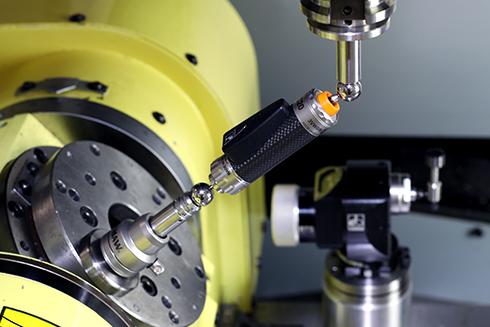
Easily benchmark and track your CNC machine tool's positioning performance with QC20 ballbar. Perform a rapid check to identify and diagnose potential problems before requiring maintenance.
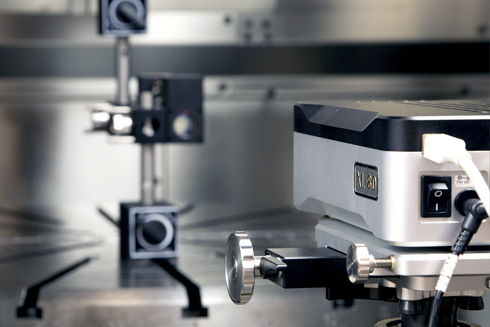
The XL-80 laser interferometer is ideal for measuring and calibrating precision motion systems. With 0.05 ppm laser frequency accuracy, the XL-80 laser offers the ultimate high-performance measurement.
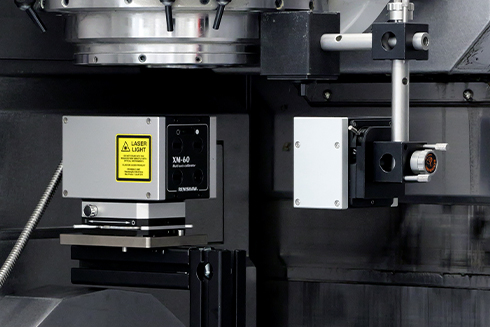
Measure six degrees of freedom using the XM-60 multi-axis calibrator. A powerful set-up, development and diagnostic tool, the XM-60 laser can measure all errors in the axis from a single set-up.

Achieve long-lasting performance by aligning machine axes with our alignment laser systems. Measure and adjust geometric and rotational errors with ease during build, maintenance and service.
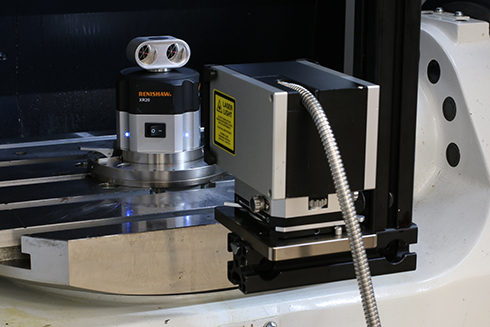
Measure and compensate rotary axes with the XR20 rotary axis calibrator. The XR20 offers a high-performance calibration solution, with 1 arc second accuracy, for stages, jigs and machine tools.
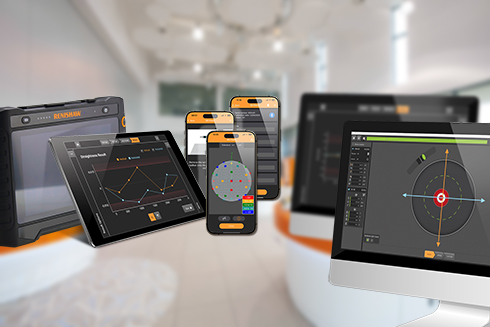
Powerful and user-friendly, CARTO software for desktop and mobile devices provides precision measurement and alignment solutions to simplify test set-up, performance and analysis.
Technical support library for calibration products
Easily access guides, support documentation, and downloads for our calibration products and software.
Find the right solution, first time
Introducing Renishaw's machine measurement solutions
Explore our wide range of calibration products suitable for a variety of industries and applications. Find out more about what our products have to offer.
Why calibrate your machine?
Understanding and addressing errors in machines and motion systems is crucial for optimising performance.
Machine calibration and optimisation improves manufacturing standards, giving a competitive edge with quality, compliance and customer trust.
Increase productivity
Track machine position changes to enable maintenance forecasts, reducing machine downtime.

Enhanced performance
Elevate machine accuracy through detailed analysis, allowing precise corrections.
Capability insights
Confidently assign tasks to each machine using insights to ensure optimum yield.
Performance evidence
Boost customer confidence using custom reports and regular performance evaluation checks.
Scheduled maintenance
Effectively anticipate, implement, and optimise your machine maintenance schedules.
Quality compliance
Adhere to ISO 9000 standards by using traceable calibration methods.Calibration simplified
We are dedicated to simplifying the process of calibration and preventative maintenance. We provide valuable information to explain the foundation behind how our products work and how they can improve your processes.Explore calibration explained to gain the expertise needed to optimise measurement performance and achieve both precision and accuracy effortlessly.
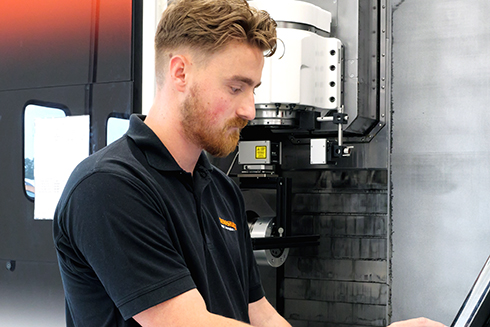
We chose Renishaw products when our company was first founded because we admired their brand values and product performance.
We compared precision calibration equipment, including laser interferometers and ballbars from a number of brands on the market, and found that of all the comparable products, Renishaw offered the most consistent performance and the most widely recognised measurement results.
Beijing Jingdiao Company Ltd (China)
Quality and conformance
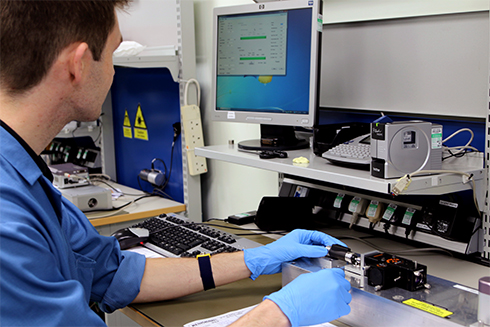
When you purchase a laser or ballbar product from Renishaw, you are buying into a proven track record of assured quality.
Ensuring customer confidence requires quality assurance and a robust traceability record. That is why we verify all of our calibration products through national standards laboratories. This enables you to confidently provide valid documentation that demonstrates the quality and reliability of your capabilities.
Training and support
Buying a calibration product can be overwhelming if you are unsure which one is right for you. We understand and our dedicated support team are readily available to help.
Whether you require product training, have a question or would like to arrange a demonstration, we will be there to support you.
Recalibration service
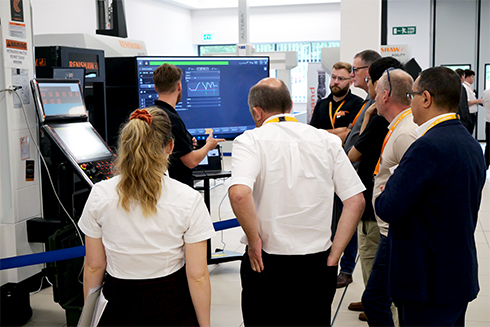
Ensure continued accuracy, performance and compliance of your calibration product.
Looking to upgrade?
At Renishaw, we offer a range of options for our users to upgrade to our latest products.
If you are currently using a legacy or competitor system, you can benefit from the advantages of our latest offerings.
Elevate your calibration experience and upgrade your system today.
Additional resources
Contact our sales team today
Get in contact with your local office to find out more information and speak to an expert.